Virtual staging for real estatethat keeps the room real.
Turn vacant listing photos into listing-ready visuals with architecture-preserving staging, paired originals, and a workflow your photo team can actually use.
Built for real-estate photographers and listing media vendors.
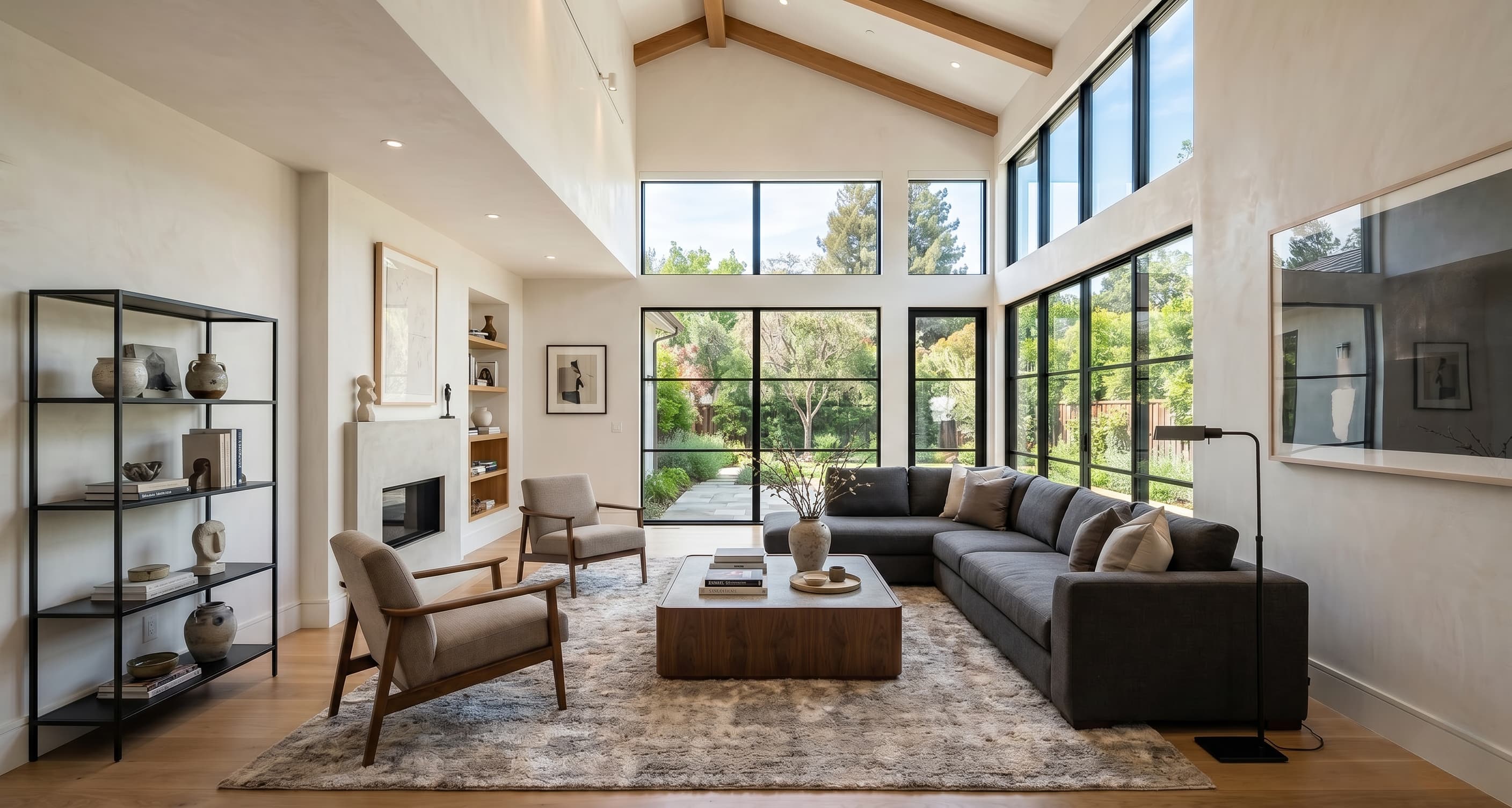
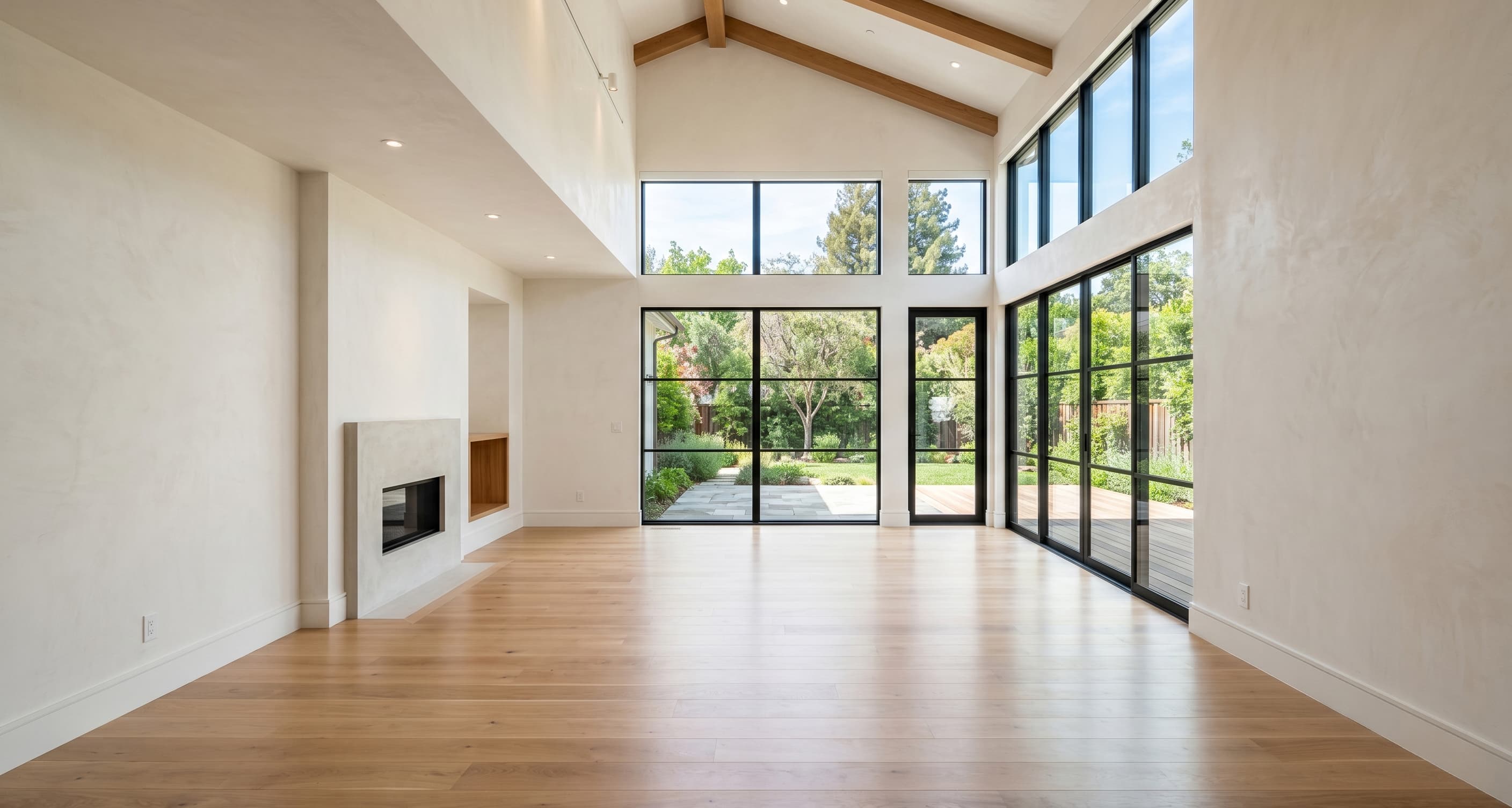
Virtual staging for real estate should clarify the room, not change it.
The strongest US entry point is vacant-listing staging: help buyers visualize the space, read the layout faster, and understand the room without changing the property they will actually walk into.
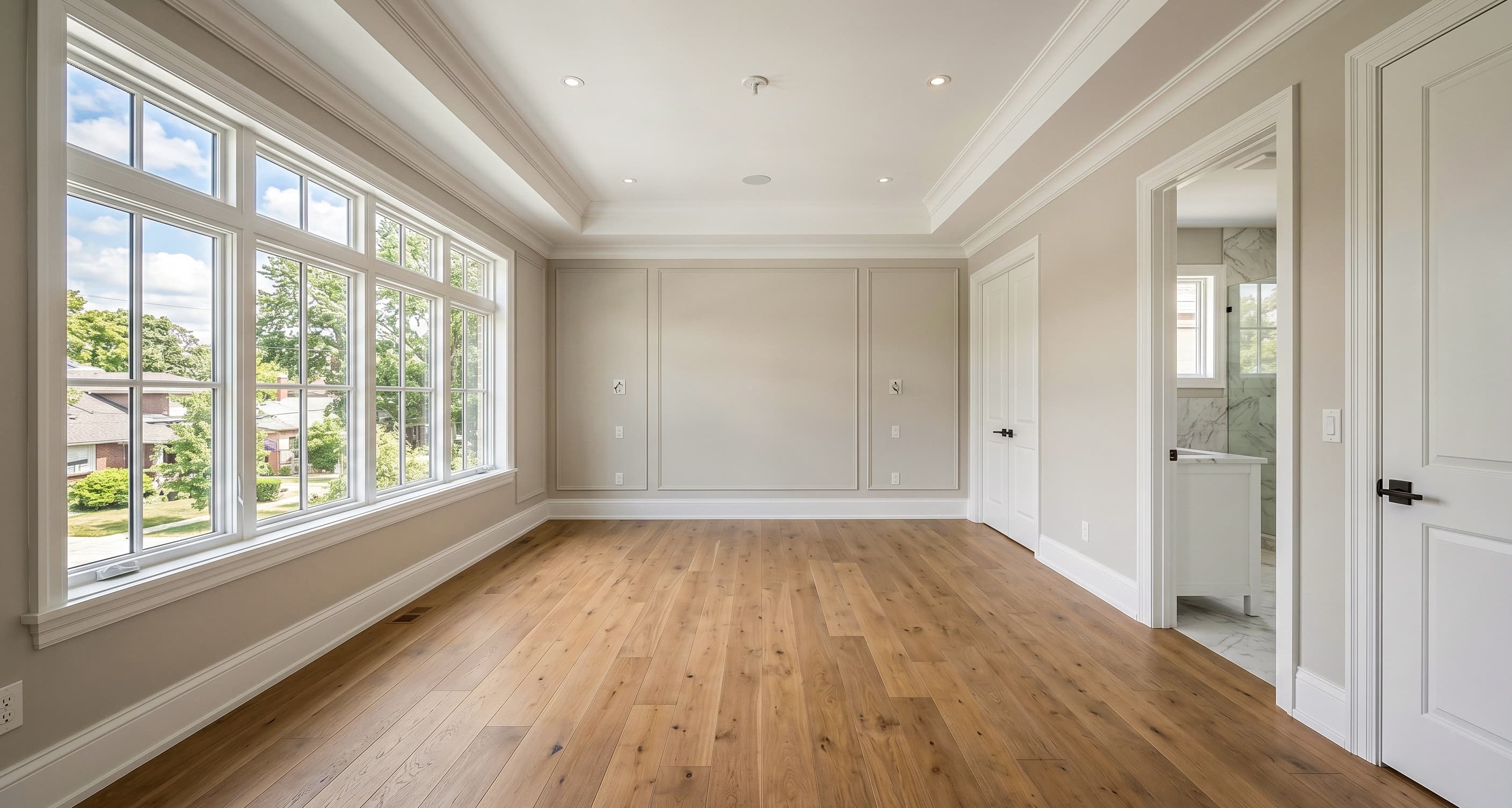
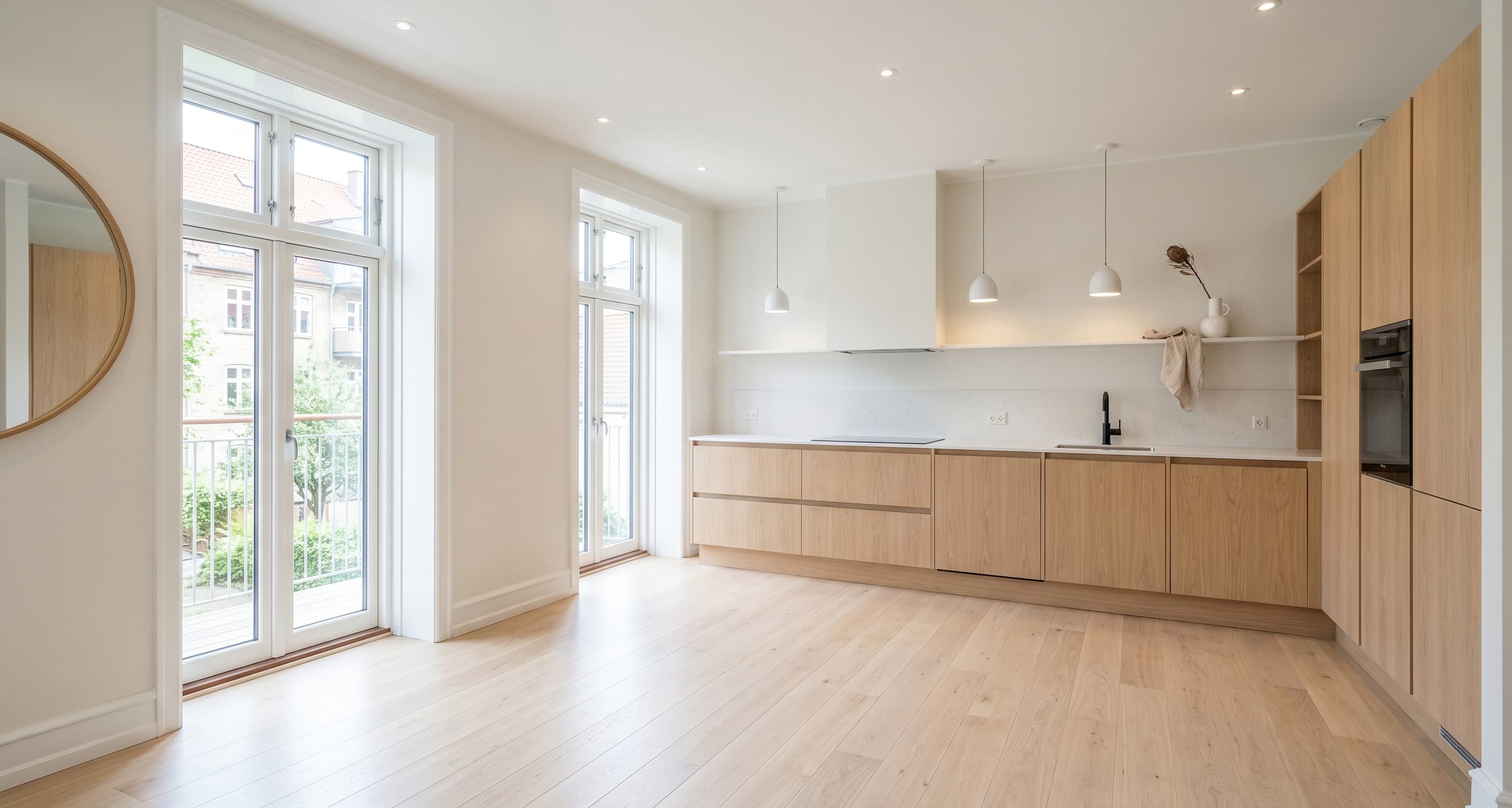
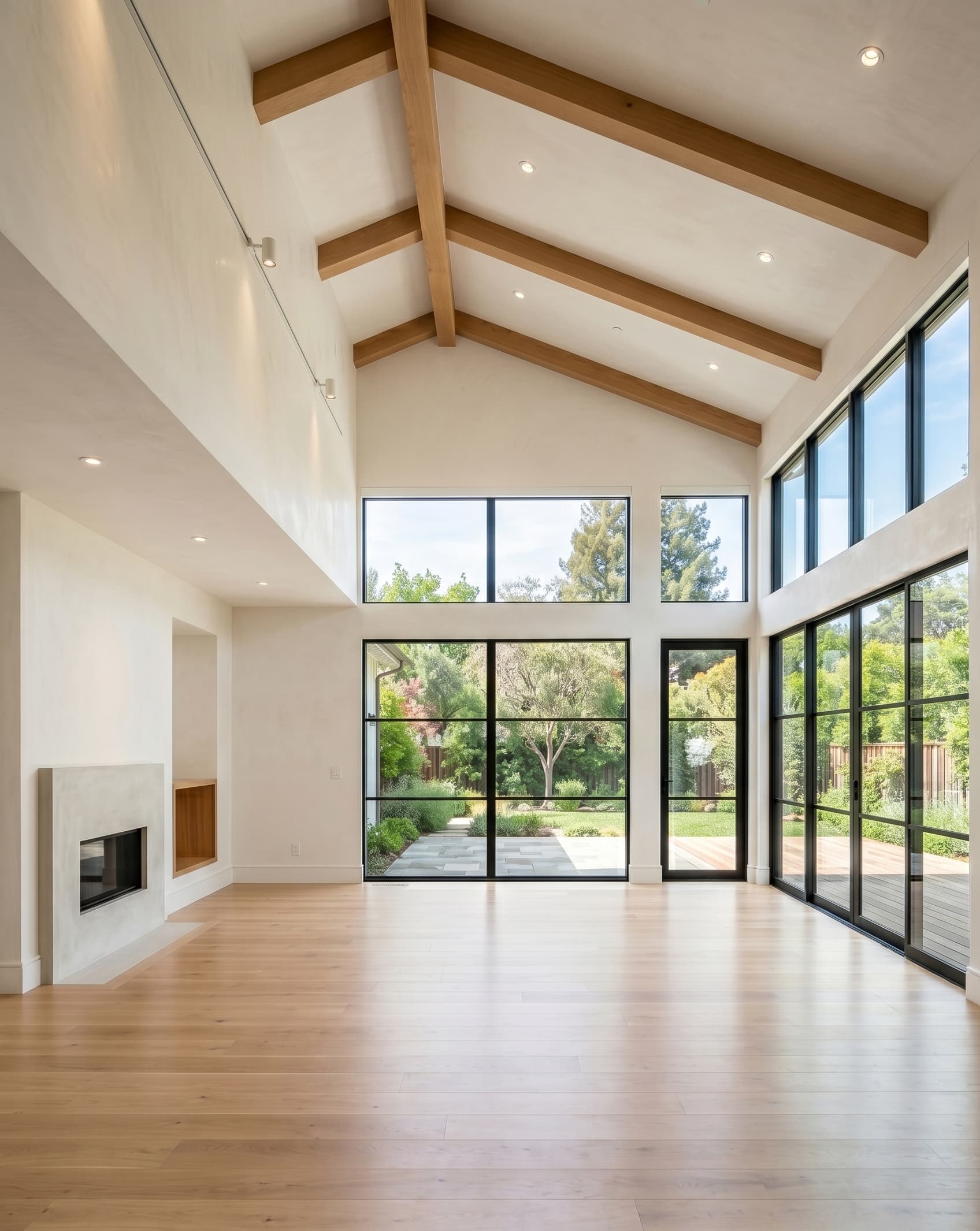
Before
Vacant listing photo. The room feels cold, the scale is harder to read, and buyers do more interpretive work before they understand the space.
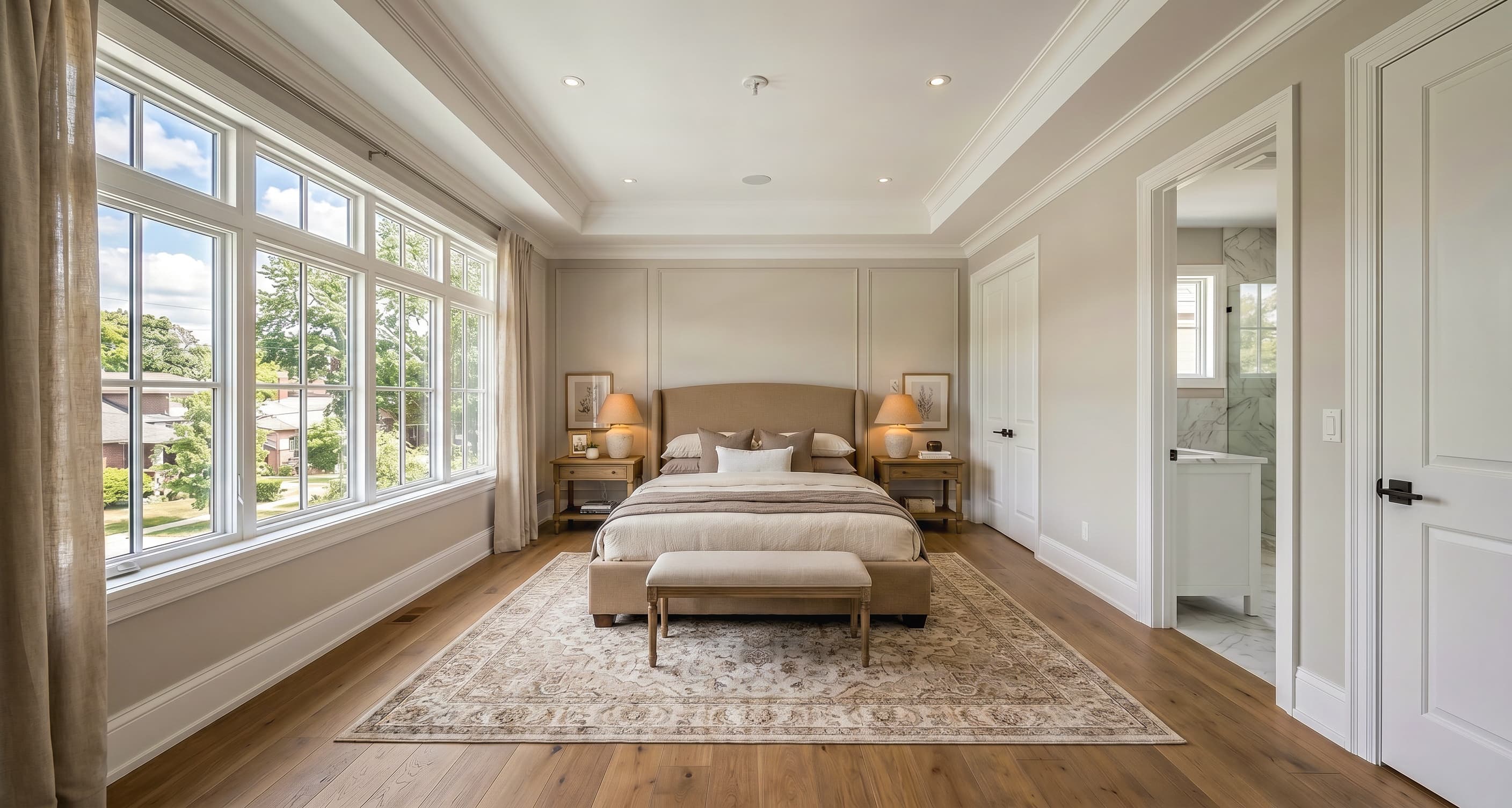
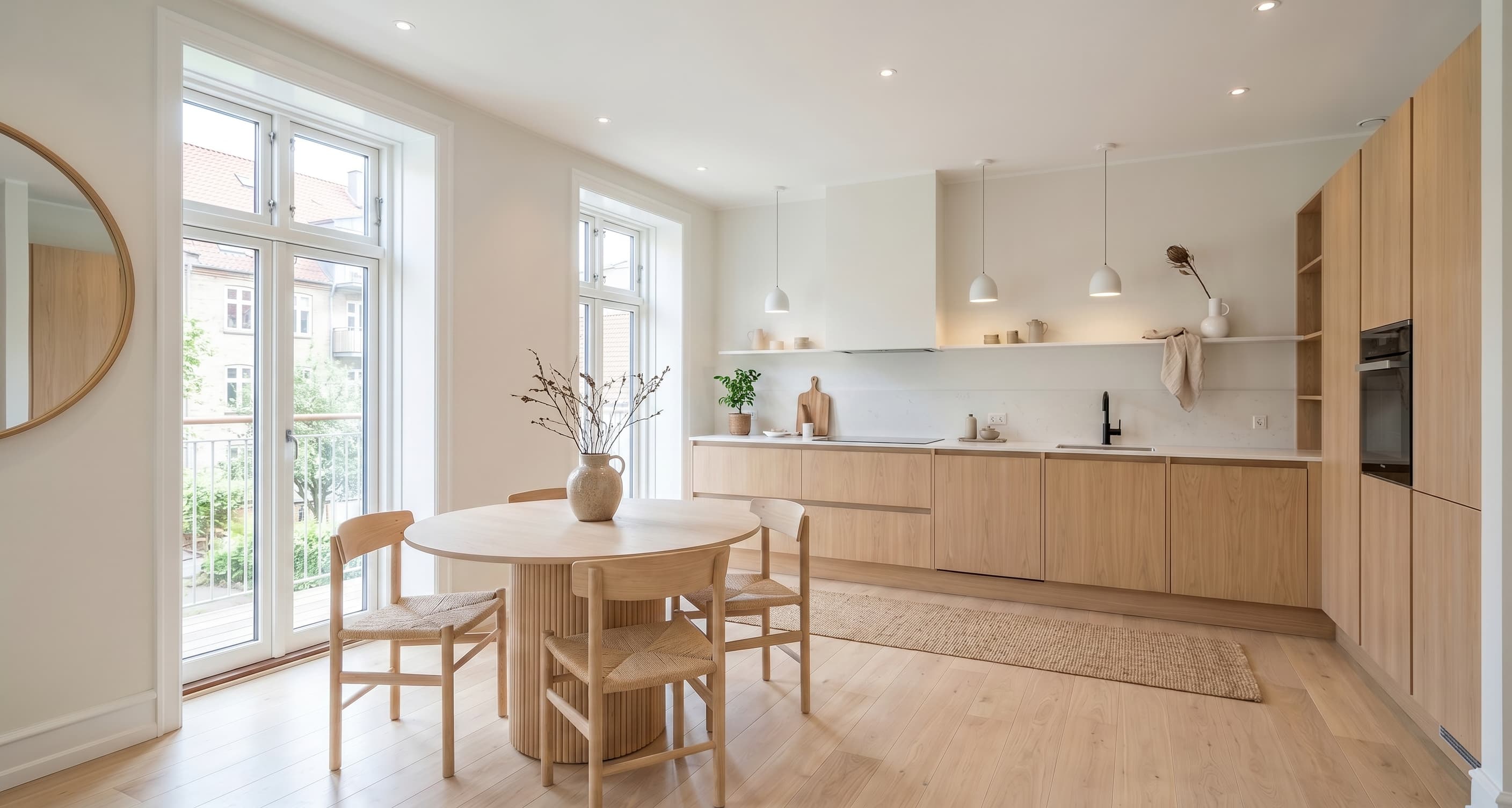
After
Listing-ready staged visual. The architecture stays recognizable, the room feels usable, and the presentation is stronger without drifting into fantasy redesign.
Sample portfolio
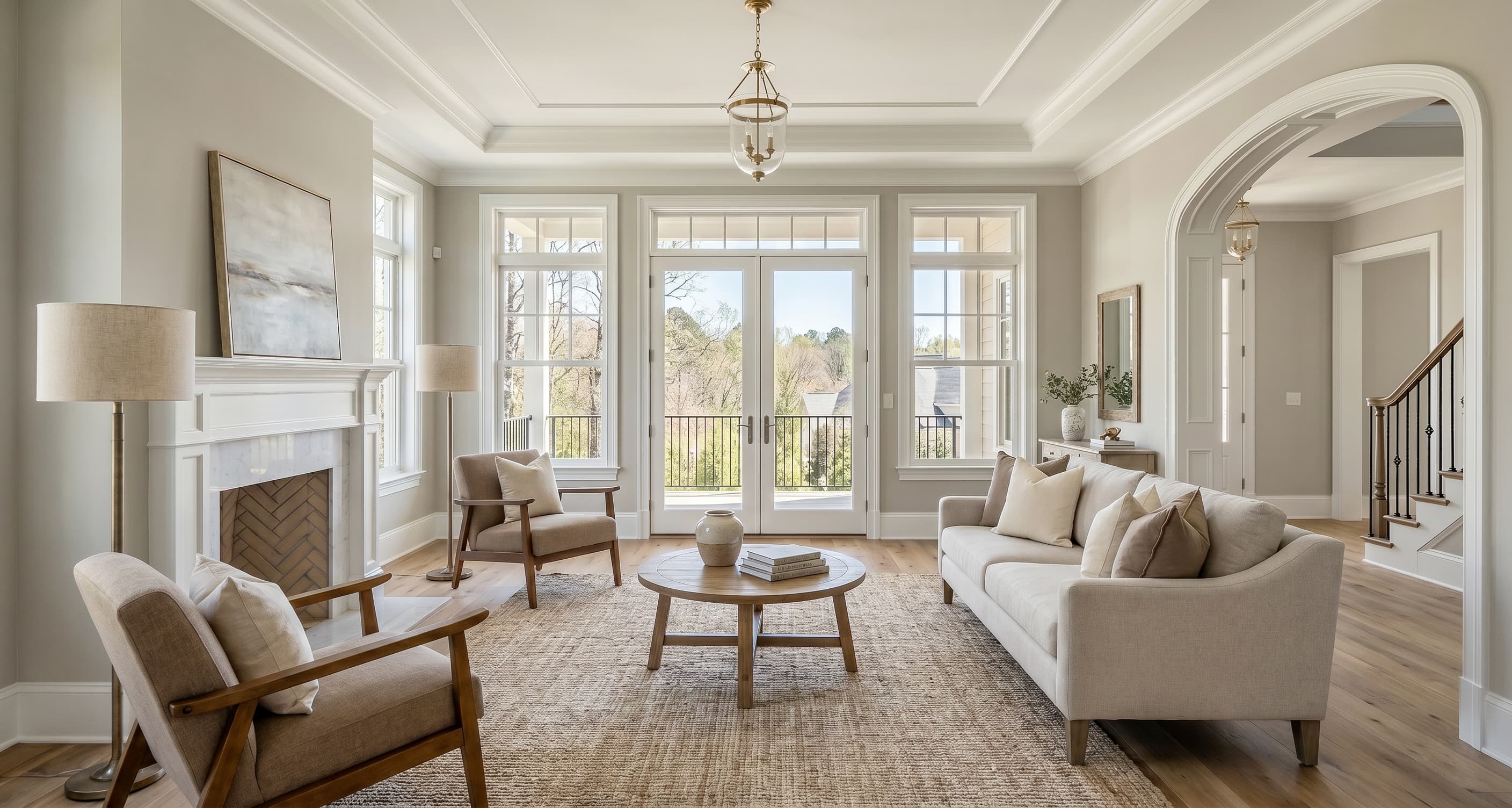
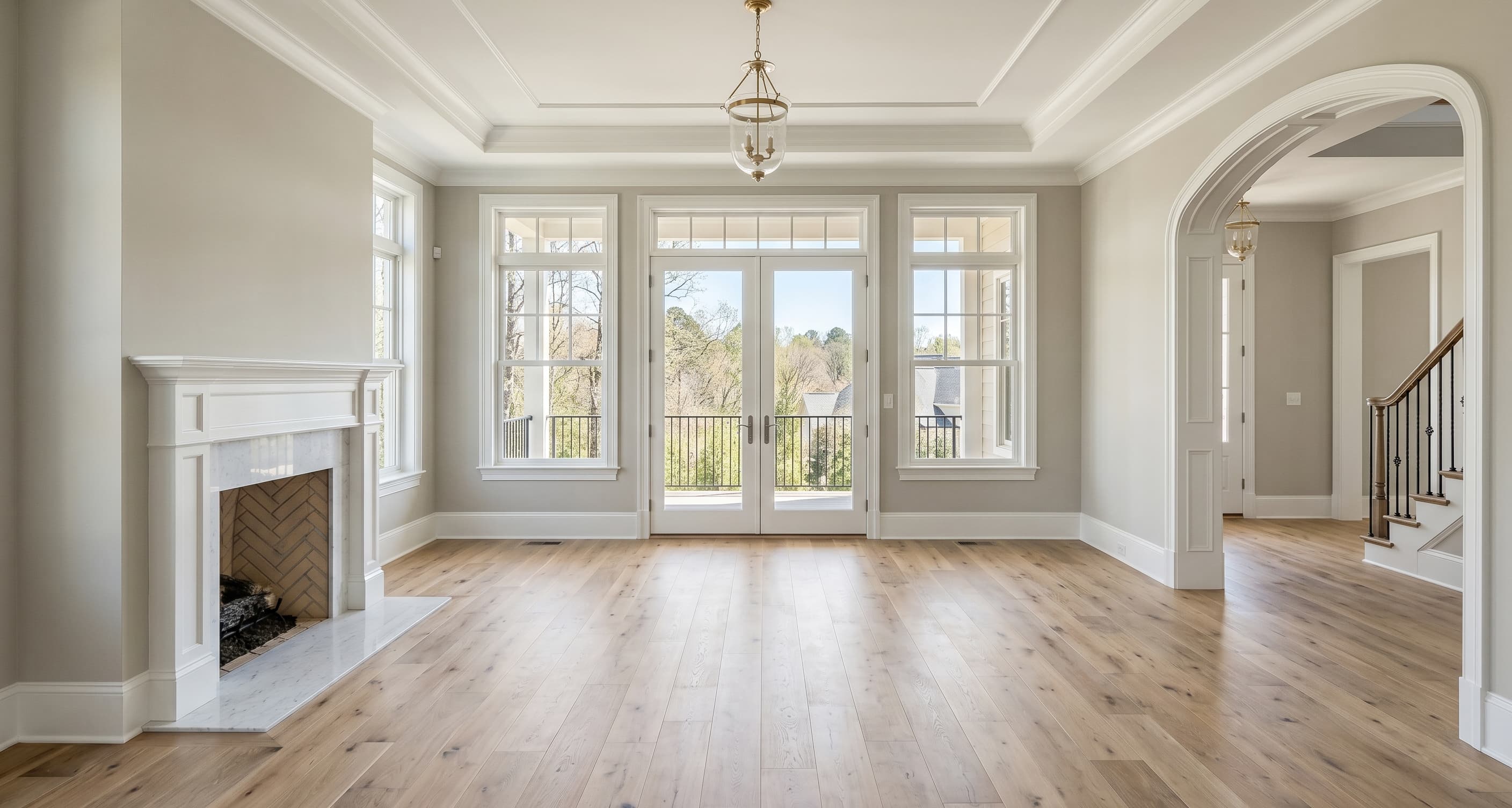
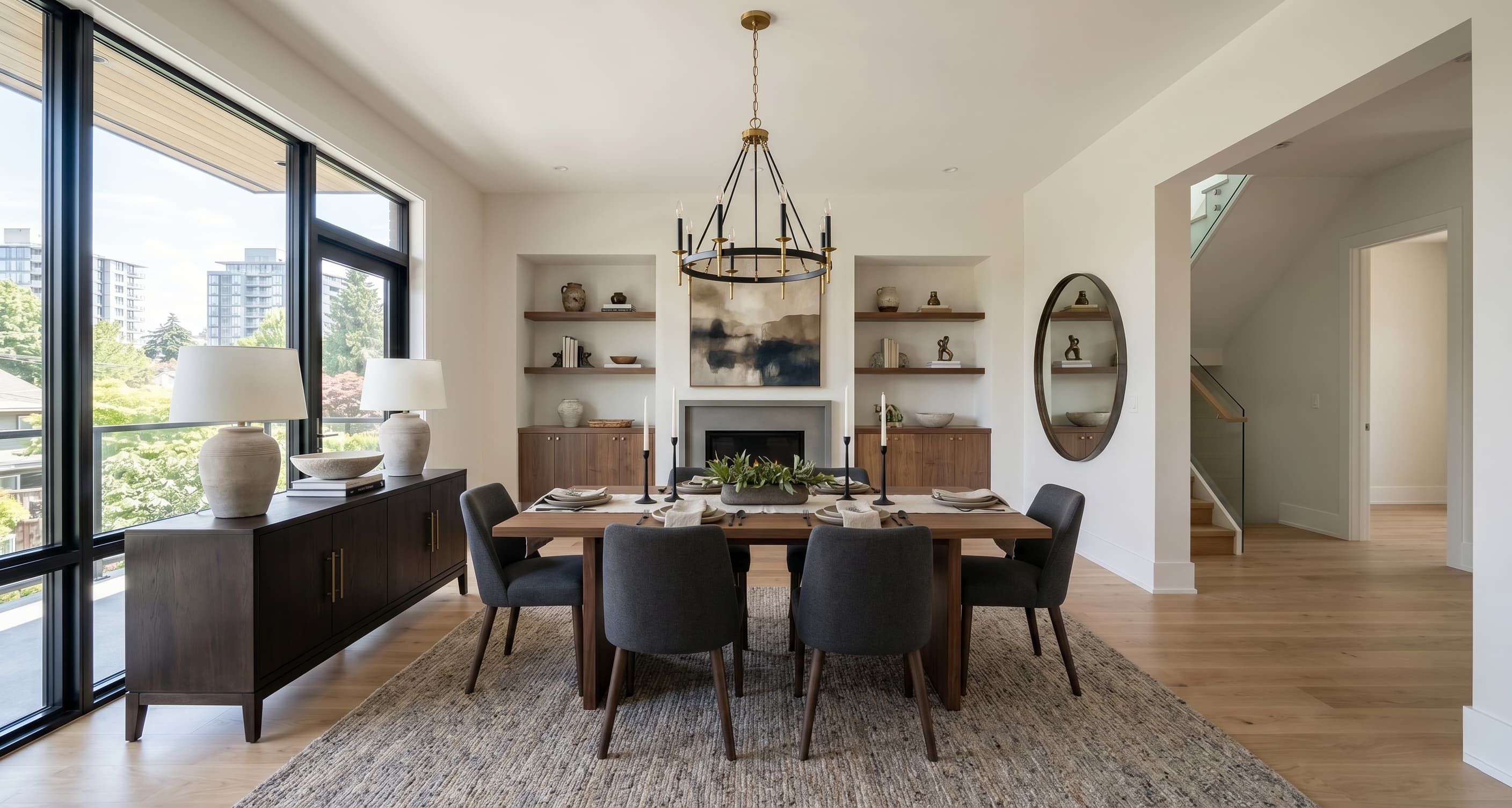
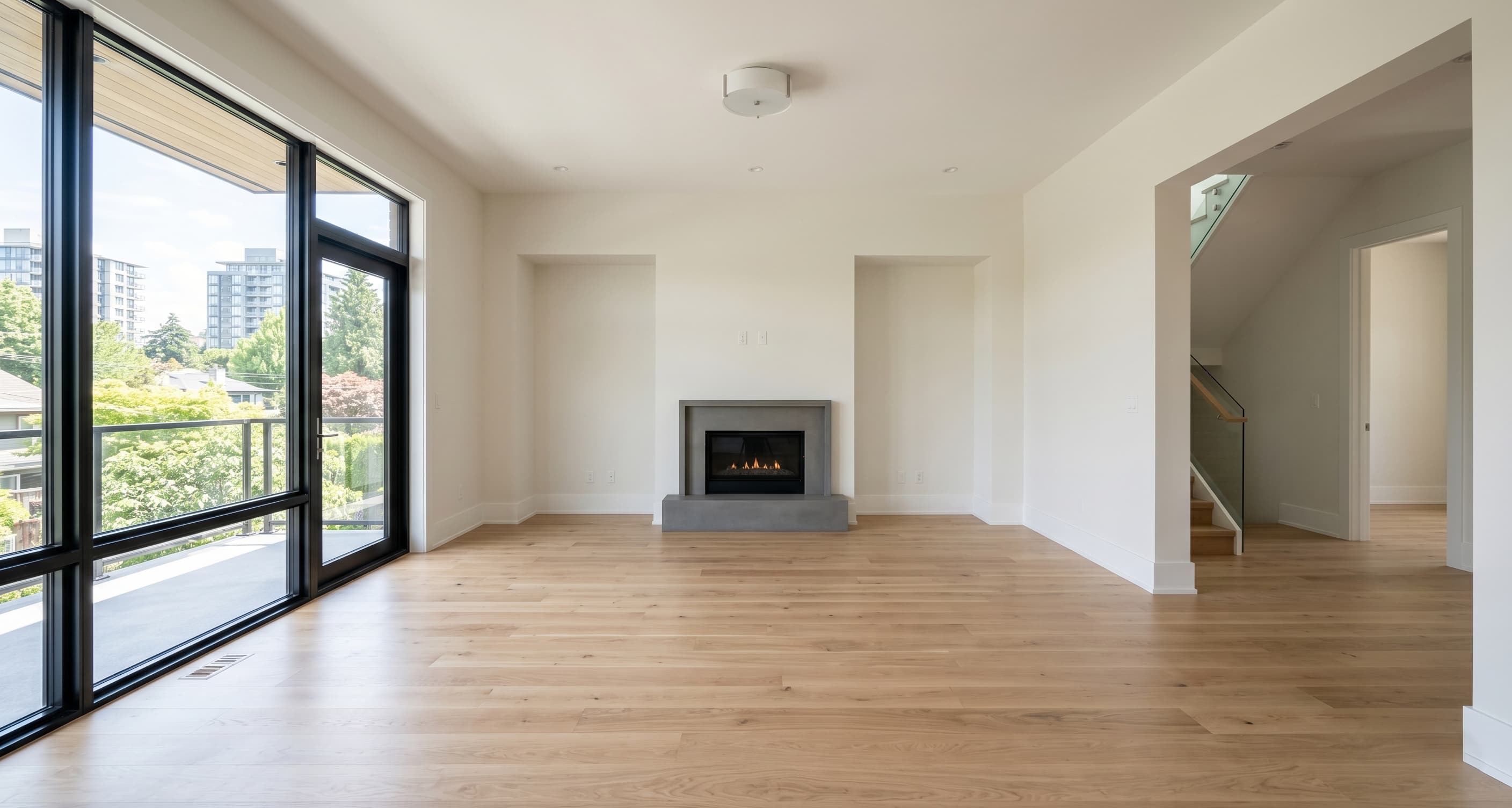
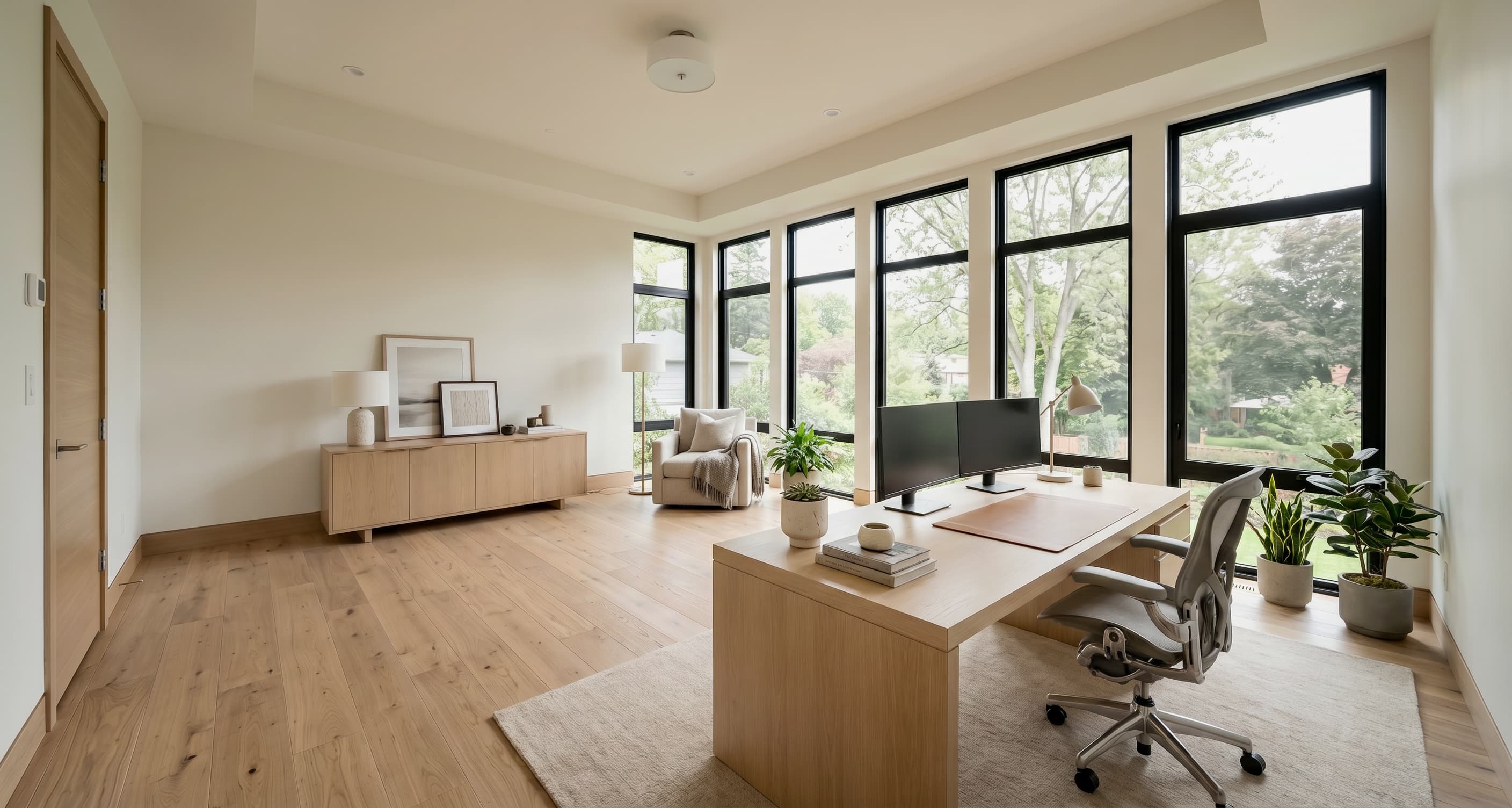
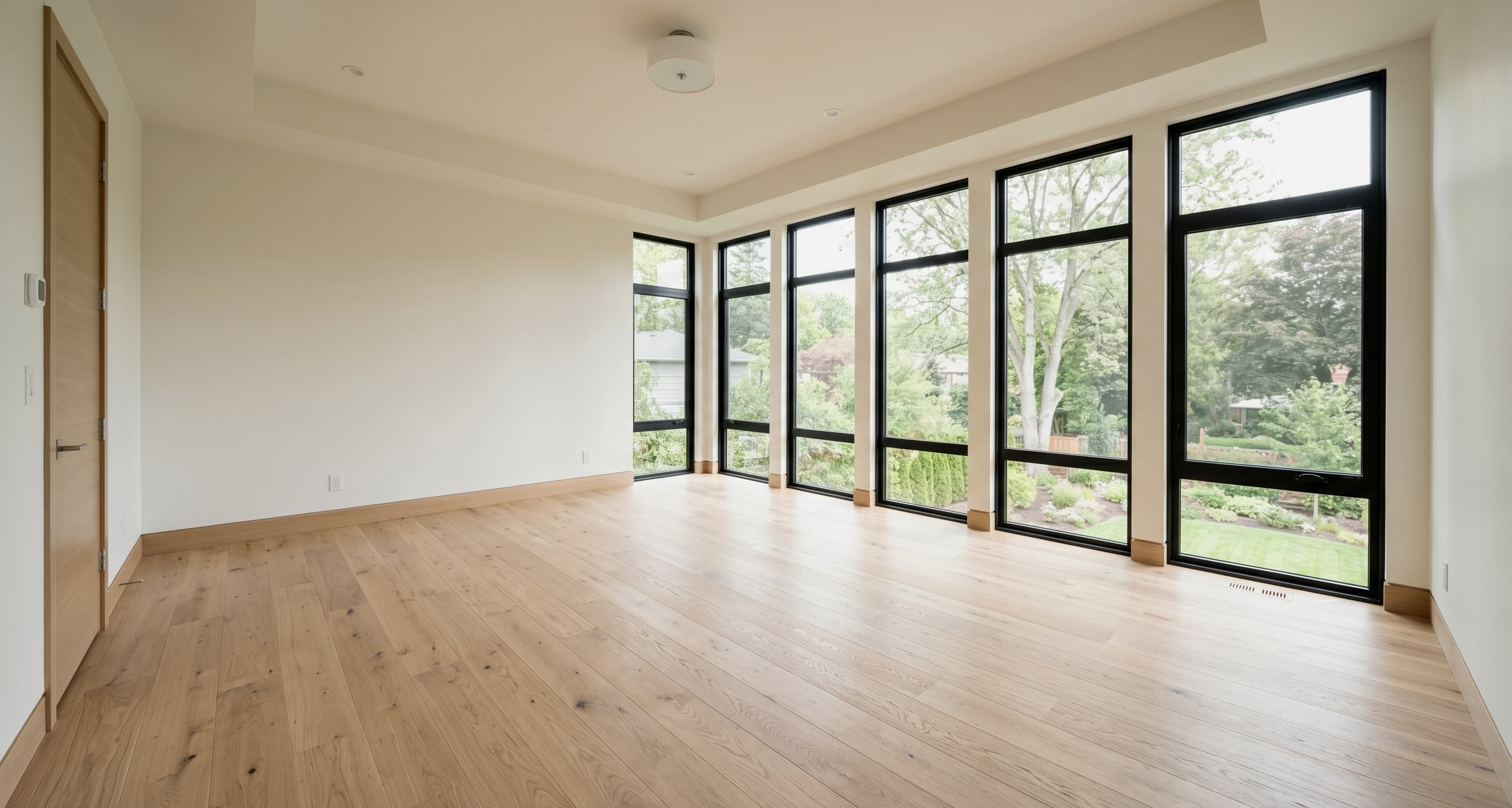
Sample virtual staging portfolio for the listing photos that matter most.
Keep the visible proof set small and commercial: show believable virtual staging across the most common listing scenarios without turning the page into an inspiration gallery.
Buyer pain
Why vacant listing photos underperform online
Vacant rooms underperform because buyers struggle to visualize layout and use.
Physical staging is slow or too expensive for repeat listing volume.
Cheap AI edits create trust risk, revision churn, and weak listing presentation.
Workflow
How the virtual staging workflow works
Batch-upload room photos, queue a full property, and review paired originals without treating each image like a separate one-off edit.
01
Upload one room or a batch
Start from real property photos and keep the room cards grouped around the listing workflow.
02
Generate staged options
Run one room or queue the whole set while keeping the structure, light, and reading of the photographed space.
03
Review originals & exports
Keep before-and-after visibility so the team can approve, disclose, and ship faster.
Who it is for
For real-estate photographers, media vendors, agents, and small developers
The strongest fit is repeat listing-photo work: empty rooms, active inventory, and teams that need believable virtual staging without physical furniture.
For photographers & media vendors
Add virtual staging for vacant listing photos to an existing real-estate photo workflow without turning every job into a custom design project.
For agents & small developers
Make vacant rooms easier to understand before a listing goes live, especially when you handle repeat inventory or newly finished spaces.
Listing-ready standards
Architecture-preserving virtual staging for listing-ready marketing
Lead with buyer visualization and preserve the real room instead of drifting into fantasy redesign.
Listing-ready
Built for photos that need to ship into active listing workflows, not moodboards.
Architecture-preserving
The space should stay recognizable so buyers are not surprised at the showing.
Trust-building
Paired originals, clean review flow, and realistic output support transparent marketing.
Workflow framing
Use paired originals and staged output to support transparent, disclosure-friendly marketing.
Expectation control
Set expectations around believable output, room truth, and a workflow built for active listings rather than generic AI interior design.
FAQ
Virtual staging FAQ for listing teams
This section should resolve the trust questions that stop conversion and also strengthen the page’s long-tail search coverage.
Resolve the trust questions directly on the page: realism, transparency, and where the base workflow ends.
Will the output look fake?
The goal is listing-ready staging that keeps the real room legible. The strongest output preserves the photographed architecture, scale, and reading of the space instead of turning the image into fantasy redesign.
Will buyers feel misled?
The safer workflow keeps staged output paired with the original photo so photographers, brokers, and media vendors can present the room transparently and avoid treating a staged visual as the literal current room.
How is this different from generic AI interior design?
This product is framed as a real-estate photo workflow. It is built around vacant listing photos, believable presentation, paired originals, and faster publishing handoff rather than entertainment, inspiration boards, or one-click room makeovers.
Who should use this first?
The best first-fit users are real-estate photographers, listing media vendors, and broker or marketing teams that repeatedly need listing-ready visuals for vacant inventory.
What types of rooms work best?
The clearest first-fit is vacant or nearly empty listing photos where buyers need help reading scale, layout, and purpose. Living rooms, bedrooms, dining areas, home offices, and open-plan spaces are all strong fits for listing-ready staging.
Pricing
Three credit packs for listing-ready virtual staging.
Start with a simple pack sized to your listing volume. The public page should make the purchase path clear instead of hiding it behind a demo request.
Credit pack
Starter
$15
30 credits
First listings and pipeline testing
Quick pack for first listings and pipeline testing.
Recommended pack
Growth
$39
120 credits
Active weekly listing work
Balanced pack for active photographer or small listing team.
Credit pack
Studio
$99
400 credits
Agency-scale batches and team throughput
Higher-volume pack for agencies, brokers, and developer marketing teams.
Next step
Stage vacant listing photos without changing the real room.
Create a workspace, upload the vacant room, and generate listing-ready virtual staging with paired originals and a workflow your team can actually use.